
How to Maximize Smartphone Battery Lifespan: Real Technical Tips Guide
I’ve taken apart hundreds of smartphones over the last decade. Cracked screens, water-logged logic boards, bloated batteries that look suspiciously like spicy pillows—I’ve seen it all. And you want to know the funniest part? Most people are completely wrecking their expensive pocket computers simply because they follow advice straight out of 2012. Here’s the ugly truth: your battery is dying a slow, chemical death right now, and you’re probably handing it the weapon. Let’s fix that.

- • The Chemistry of Collapse: Why Your Battery Ages
- ↳ The 80/20 Rule Isn't Just an Internet Myth
- • Heat is the Silent Assassin
- • Debunking Persistent Battery Myths
- ↳ Managing Background Vampires
- ↳ Does wireless charging destroy my battery faster than wired charging?
- ↳ Is it okay to leave my phone plugged in overnight?
- ↳ Does using a cheap third-party charger ruin battery life?
- ↳ When is it actually time to replace my phone battery?
Key Takeaways & Quick Overview
AI Verified
- ✔How to maximize smartphone battery lifespan: real technical tips guide i’ve taken apart hundreds of smartphones over the last decade.
- ✔Cracked screens, water-logged logic boards, bloated batteries that look suspiciously like spicy pillows—i’ve seen it all.
- ✔And you want to know the funniest part? most people are completely wrecking their expensive pocket computers simply because they follow advice straight out of 2012.
- ✔Here’s the ugly truth: your battery is dying a slow, chemical death right now, and you’re probably handing it the weapon.
The Chemistry of Collapse: Why Your Battery Ages
To fix the drain, you have to understand the enemy. Modern smartphones rely on lithium-ion (Li-ion) or lithium-polymer cells. These aren’t magic boxes of infinite juice. They are volatile, highly reactive chemical reactions packed tightly into aluminum pouches. Every single time you charge and discharge your phone, ions shuttle back and forth between the cathode and the anode. Over time, this migration physically alters the internal structure. The electrolyte breaks down. The internal resistance climbs. Capacity shrinks.
According to research highlighted by Battery University, lithium-ion cells hate extremes. They hate being freezing cold, they despise being blazing hot, and they absolutely detest living at the absolute edges of their voltage capacity—meaning 0% and 100%. Yet, what is the ritual most of us perform daily? We run the thing until it shuts down completely, plug it in, and leave it chugging electricity overnight at 100% for eight straight hours. It’s a miracle these cells survive two years.
The 80/20 Rule Isn’t Just an Internet Myth
You’ve probably heard tech influencers scream about the 80/20 rule. Unplug at 80%, plug in at 20%. Sounds annoying, right? It is. But structurally, it is the single most effective habit you can adopt. High voltage puts immense physical stress on the cathode. Keeping a phone jammed at 100% state-of-charge while it sits on your nightstand is like keeping a rubber band stretched to its absolute limit for hours on end. Eventually, it loses its snap.
Trust me on this: modern operating systems like iOS and Android now include built-in “Optimized Battery Charging” features. Use them. They learn your routine, hold the charge at 80% overnight, and only top it off right before your alarm goes off. If your phone doesn’t have this built-in, install a third-party app or set a routine to alert you when it hits 85%. Your future self will thank you when your device still holds a charge past lunchtime two years down the line.
Heat is the Silent Assassin
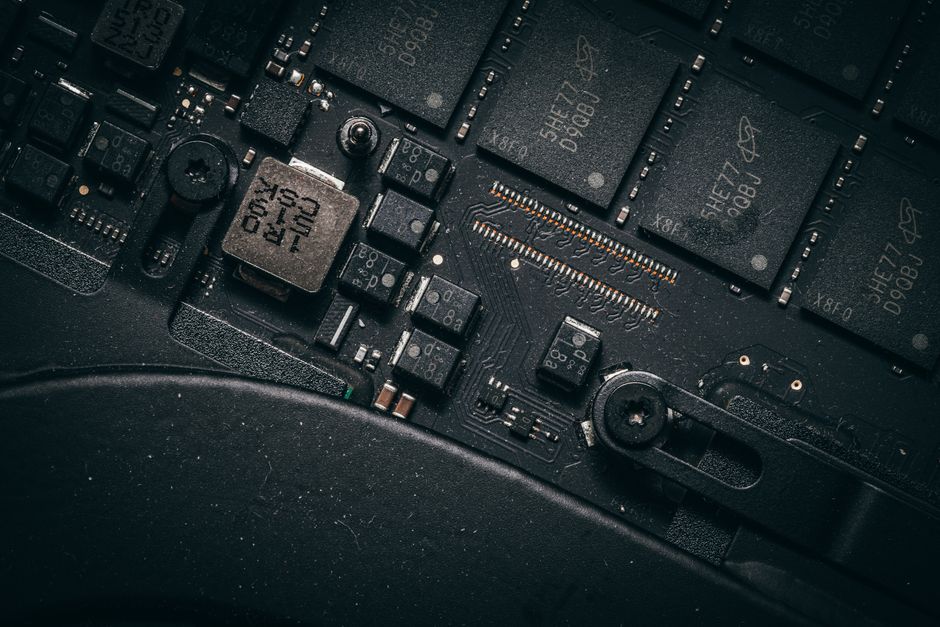
If voltage is the slow poison, heat is the shotgun blast to the head. Lithium-ion chemistry degrades exponentially faster when exposed to elevated temperatures. Anything above 35°C (95°F) starts accelerating degradation. Pass 45°C, and you’re actively destroying the internal structure.
Think about how you use your phone. Do you leave it sitting on your car’s dashboard under direct sunlight while using GPS? Do you game on high settings while fast-charging? That combination creates a thermal runaway scenario inside the chassis. The processor generates heat; the fast charger forces current in, generating more heat; and the battery sits right in the middle, cooking.
As noted in various studies by IEEE Spectrum power research, charging speed is directly tied to thermal output. If you want to maximize lifespan, ditch the ultra-high-wattage charging bricks for your overnight routine. Save the 120W monster chargers for emergency top-offs when you’re rushing out the door. Slow charging equals low heat. Low heat equals long life.
Debunking Persistent Battery Myths
Let’s clear the air on some nonsense that refuses to die. First: “You need to drain your battery to 0% once a month to calibrate it.” False. That advice applied to old Nickel-Cadmium (NiCd) batteries suffering from the “memory effect.” Doing that to a modern Li-ion battery actually triggers deep discharge protection circuits and stresses the cells. Stop doing it.
Second: “Closing background apps saves battery.” Actually, modern operating systems like Android and iOS handle RAM management exceptionally well. Force-closing apps from the multitasking switcher often forces the CPU to reload the app from storage entirely from scratch, which burns more energy than just letting the OS freeze it in memory. Let the system do its job.
Third: “Leaving Bluetooth and Wi-Fi on drains the battery.” Technically yes, but practically, modern radios consume minuscule amounts of power when not actively transferring data. Turning them off manually every five minutes is a waste of your time. Instead, focus on apps with aggressive background location polling. That’s where the real power drain hides.
Managing Background Vampires
Apps love to run in the background. Social media, fitness trackers, and navigation apps constantly ping your GPS, wake up your CPU, and keep your cellular modem active. Check your battery settings. Look for the culprits that show high “Background” usage relative to screen-on time. Revoke location permissions from apps that don’t need to know where you are while you’re sleeping. According to Apple lithium-ion guidelines, controlling background activity is one of the most reliable ways to reduce daily charge cycles.
Frequently Asked Questions
Does wireless charging destroy my battery faster than wired charging?
Yes, inherently. Wireless charging is less efficient than wired charging, meaning more energy is lost as heat during the induction process. That extra heat is transferred directly to the back of the battery, which accelerates chemical degradation over time. Use wired charging for daily reliability.
Is it okay to leave my phone plugged in overnight?
Modern smartphones stop drawing current once they hit 100%, so they won’t “overcharge” in the traditional sense. However, keeping the battery sitting at 100% voltage for hours every single night causes micro-stress. If you use optimized charging features that delay the final 20% top-off until morning, you’ll mitigate most of this damage.
Does using a cheap third-party charger ruin battery life?
It can, especially uncertified gas station chargers with poor voltage regulation and cheap internal components. Ripple current and unstable voltage spikes can fry your power management IC and damage the battery cells. Always stick to reputable brands that comply with USB-PD (Power Delivery) standards.
When is it actually time to replace my phone battery?
Check your system settings. If your maximum capacity drops below 80% (typically after 500 full cycles), or if your phone throttles performance unexpectedly during heavy tasks to prevent sudden shutdowns, it’s time for a replacement. A fresh battery breathes entirely new life into an aging device.